Custom views
If you keep re-applying the same filters every morning, the Explorer can do it for you: save any combination of filters, period and layout as a named view, pin it to the menu, share it with your team.
Save what you are looking at
Set up the Explorer the way you want it - filters, period, breakdowns, grouping. As soon as your setup differs from the current view, a Save action appears in the views bar. Name the view; it now belongs to your organization, and anyone in it can use it.


Pin it to the menu
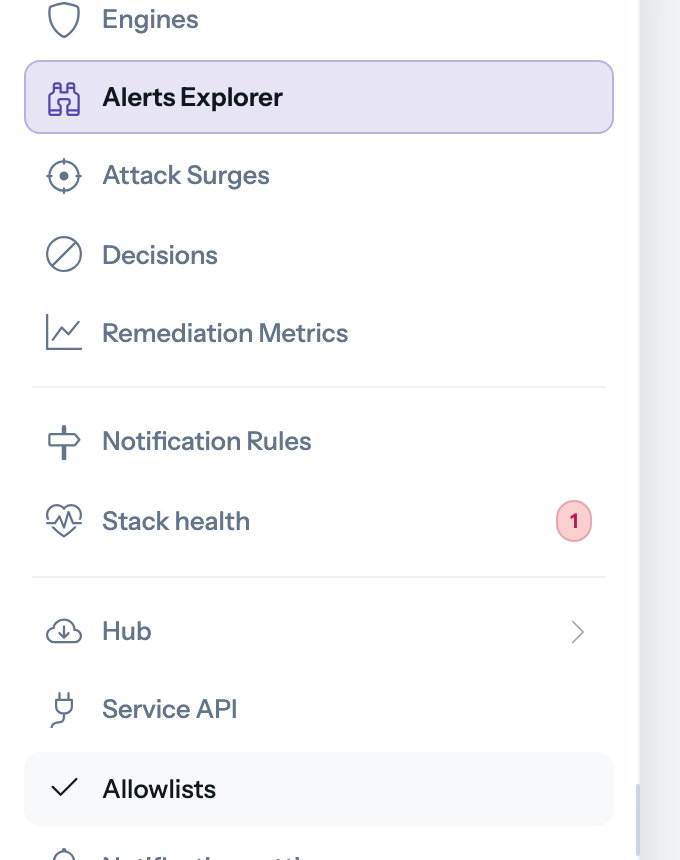
Pin a view and it appears as a sub-entry of the Alerts menu item, one click from anywhere in the Console. An organization can pin up to 3 views - keep them for the perspectives your team opens daily.
Work with views
- Update - change the filters while a view is active, then save the changes into it, or save them as a new view.
- Duplicate - start a new view from an existing one.
- Share - views live in the URL like everything else: send the link, the recipient lands on the same view.
The built-in views (All, WAF, Live map) are always there and cannot be edited - your custom views live alongside them.
Key considerations
- Views are shared at the organization level: renaming or deleting one affects your whole team.
- An organization can keep up to 3 custom views; the Console tells you when you hit the limit.