The WAF view
Your AppSec rules block exploitation attempts before they reach your applications - but that work is invisible until you look at it. The WAF view is the Explorer preset that shows it.
Open the WAF view
Click the WAF pill in the views bar. Everything you know from the Explorer applies - breakdowns, filters, grouping - but scoped to WAF signals: inbound requests your AppSec component flagged or blocked.
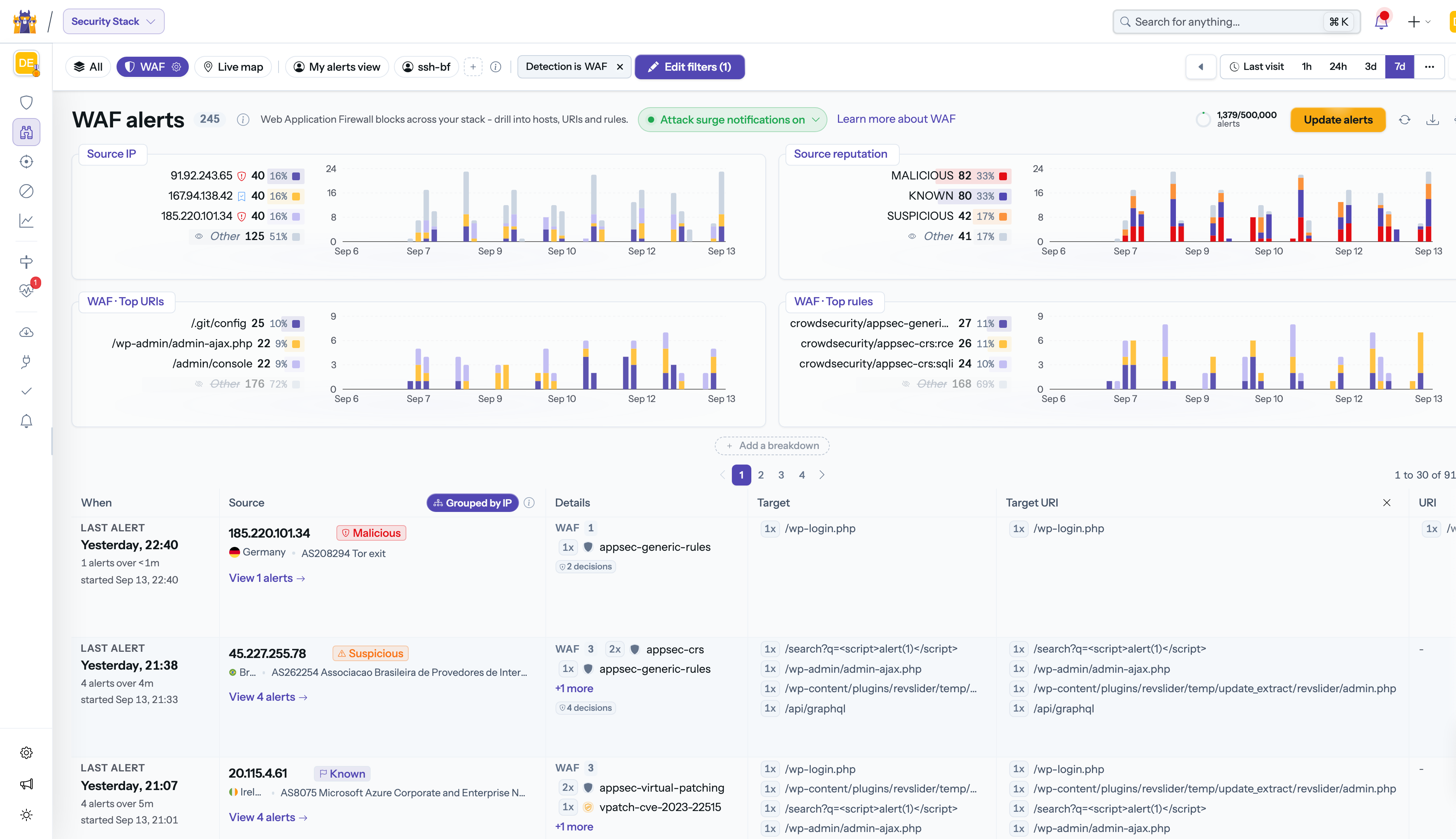
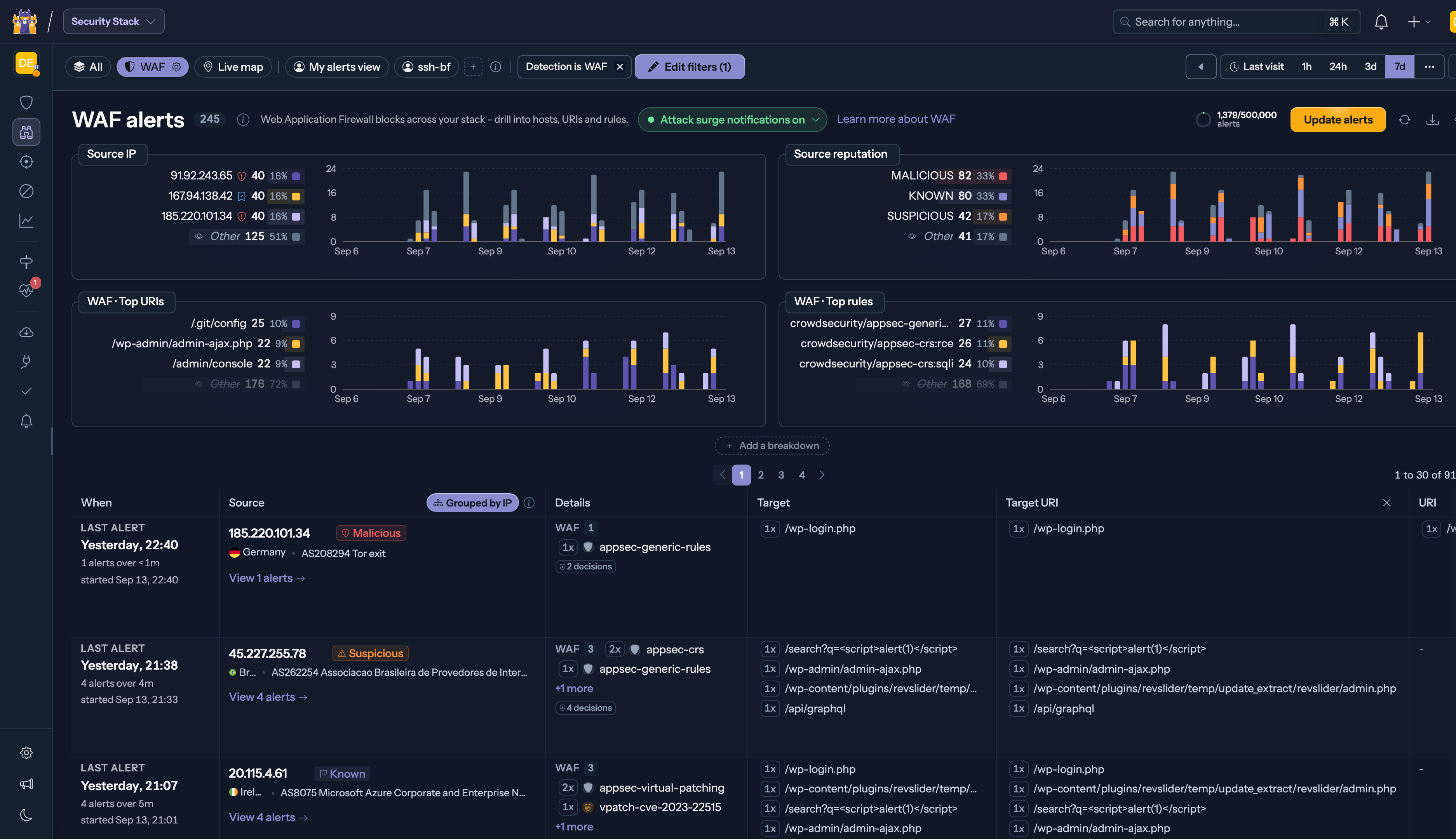
Use it to answer questions like: which rules fire the most, which paths are being probed, which sources keep coming back after being blocked.
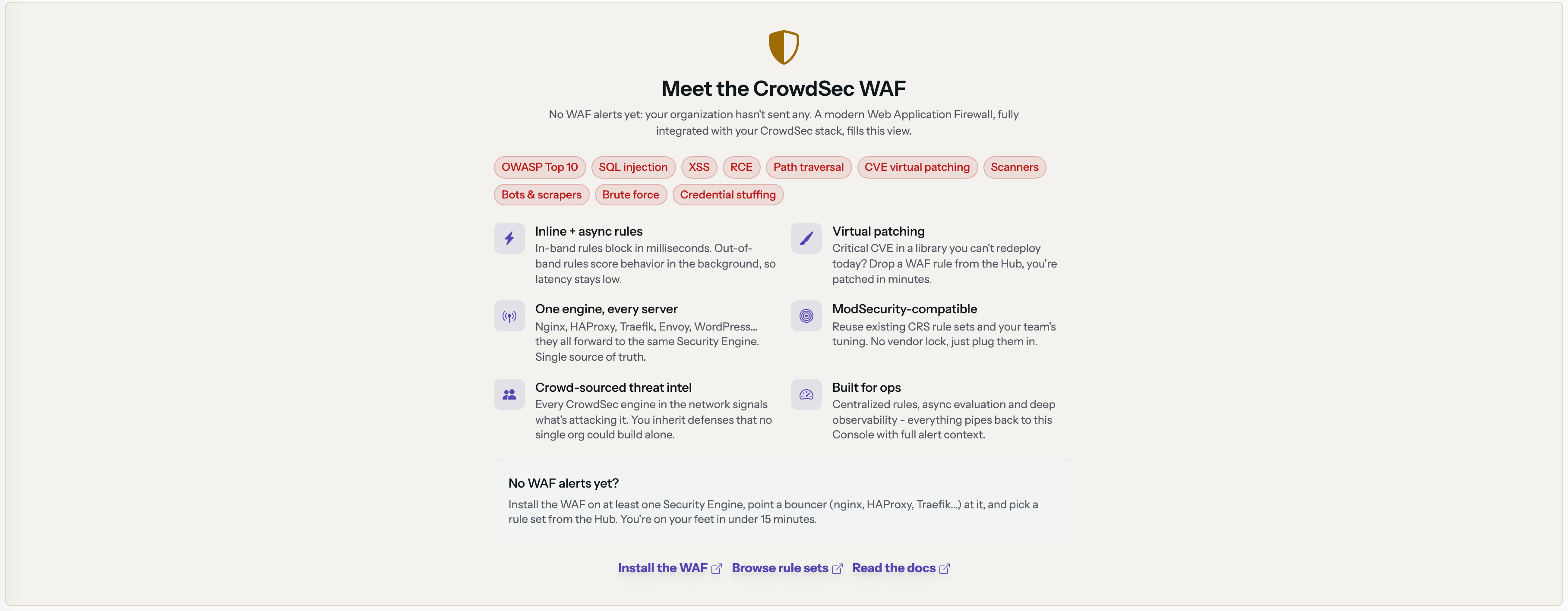
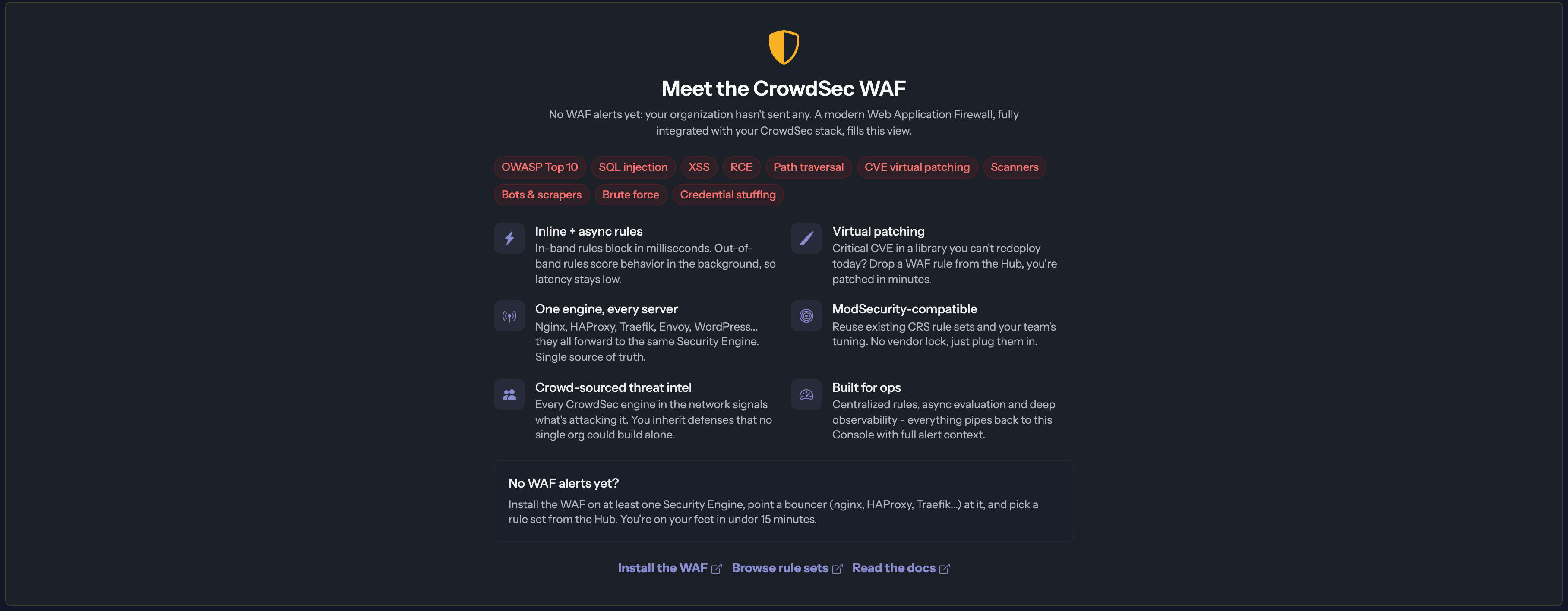
When the view is empty
An empty WAF view means one of two things, and the page tells you which:
- Your engines never sent WAF signals. The empty state walks you through installing the AppSec component on your Security Engines.
- No WAF activity in the selected period. Your setup works; widen the period or enjoy the calm.
Key considerations
- The view only reflects engines running the AppSec component; log-based scenarios (HTTP bruteforce detected in access logs, for example) live in the main Explorer, not here.