Splunk SOAR
Splunk SOAR App for CrowdSec. This App allows enrichment of IP addresses in an event investigation and playbooks with CrowdSec's CTI API.
This documentation will guide you through installing and configuring the app as well as showing an example of usage in which we'll show enrichment of IP addresses in an event investigation.
Setup
- Navigate to apps page from your dashboard as shown in the image below.
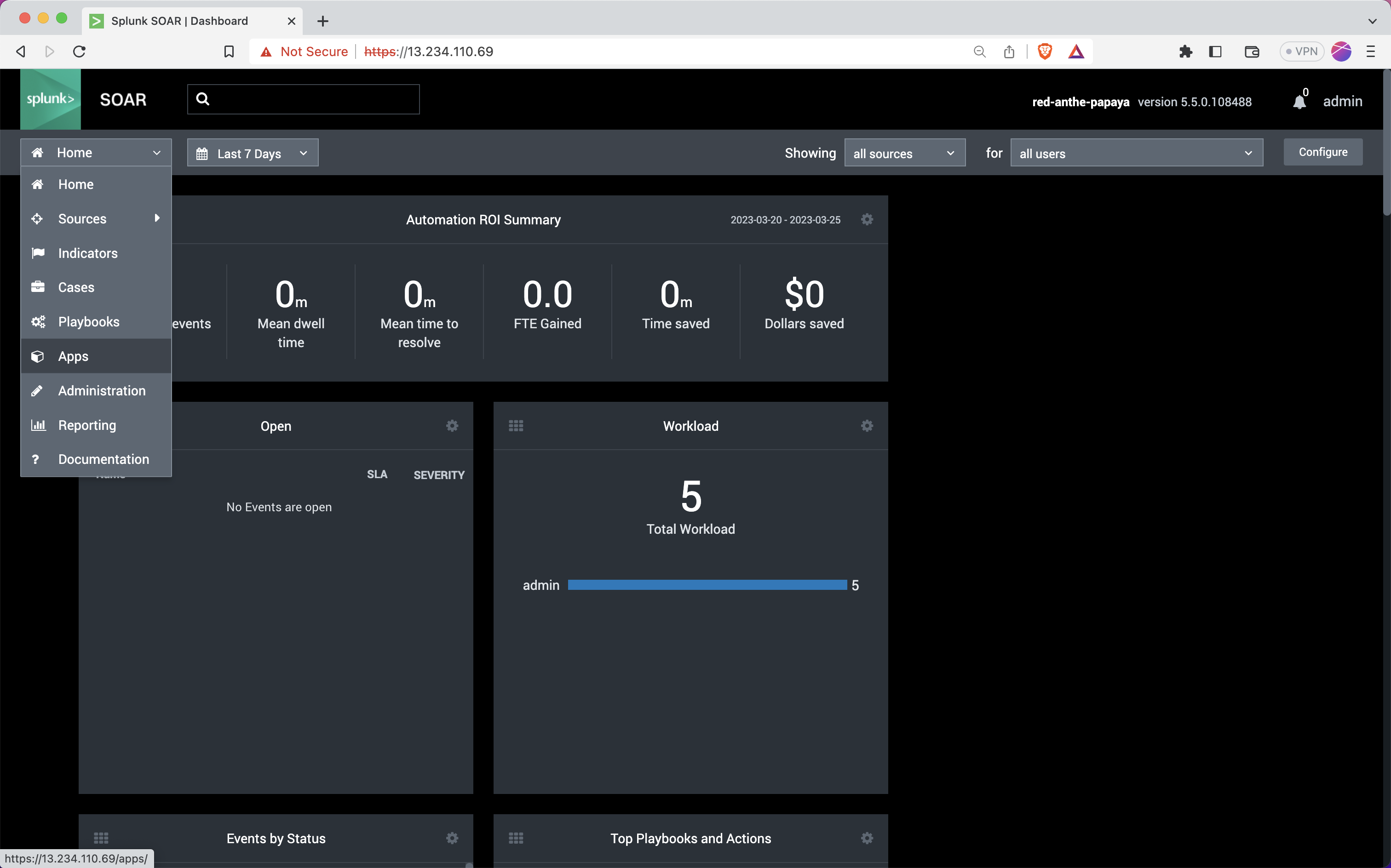
- Navigate to the new apps page by clicking on the
New Appsbutton. Then search for "CrowdSec"
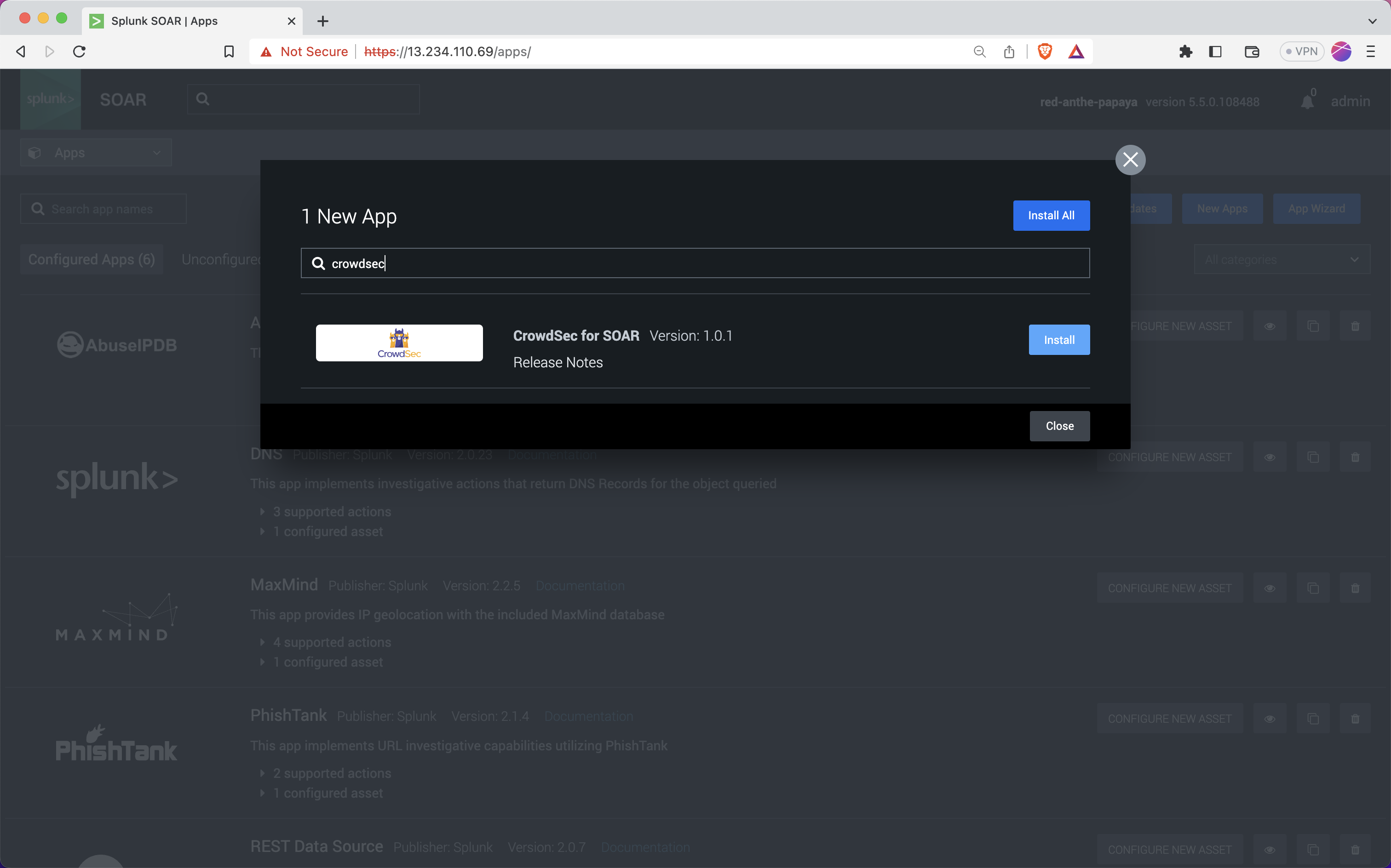
- Click the Install button to install the app.
Configuring the App
- Now the App should appear in the unconfigured apps.
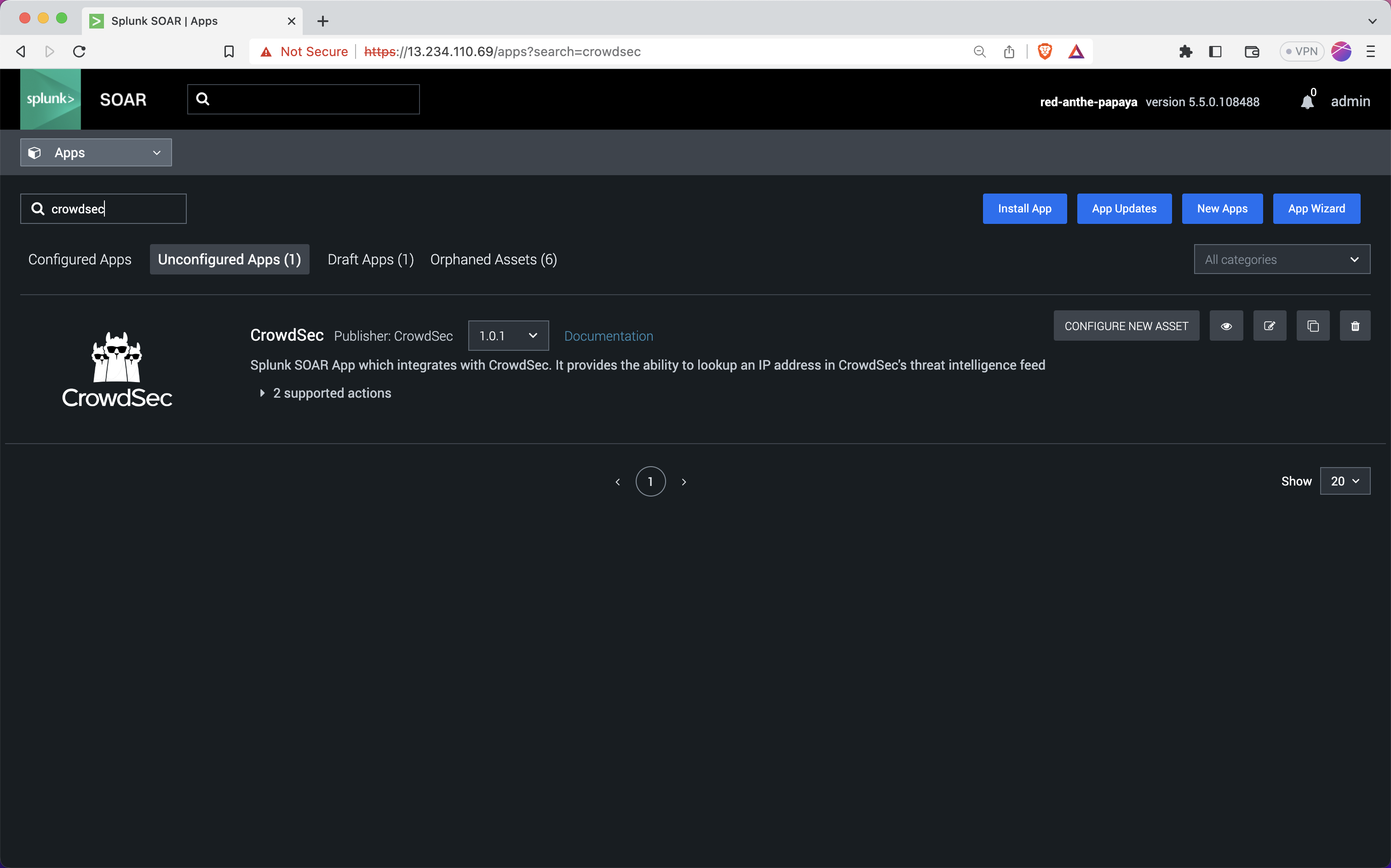
-
Click on
CONFIGURE NEW ASSETbutton. -
Enter the required details like asset name etc in the Asset Info tab.
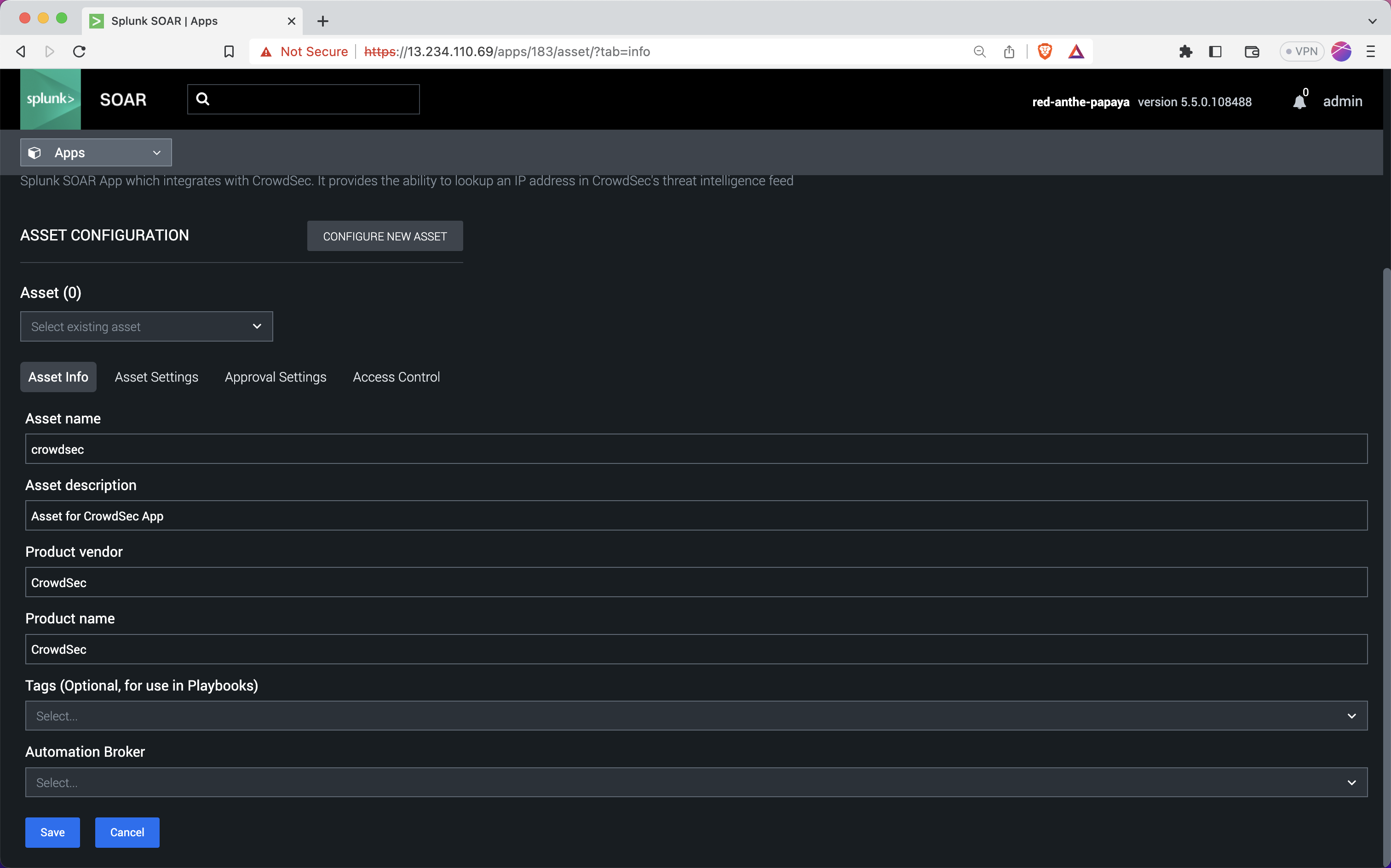
- Navigate to Asset Setting pane, and enter your CrowdSec CTI API key. If you don't have one already see this guide to obtain one.
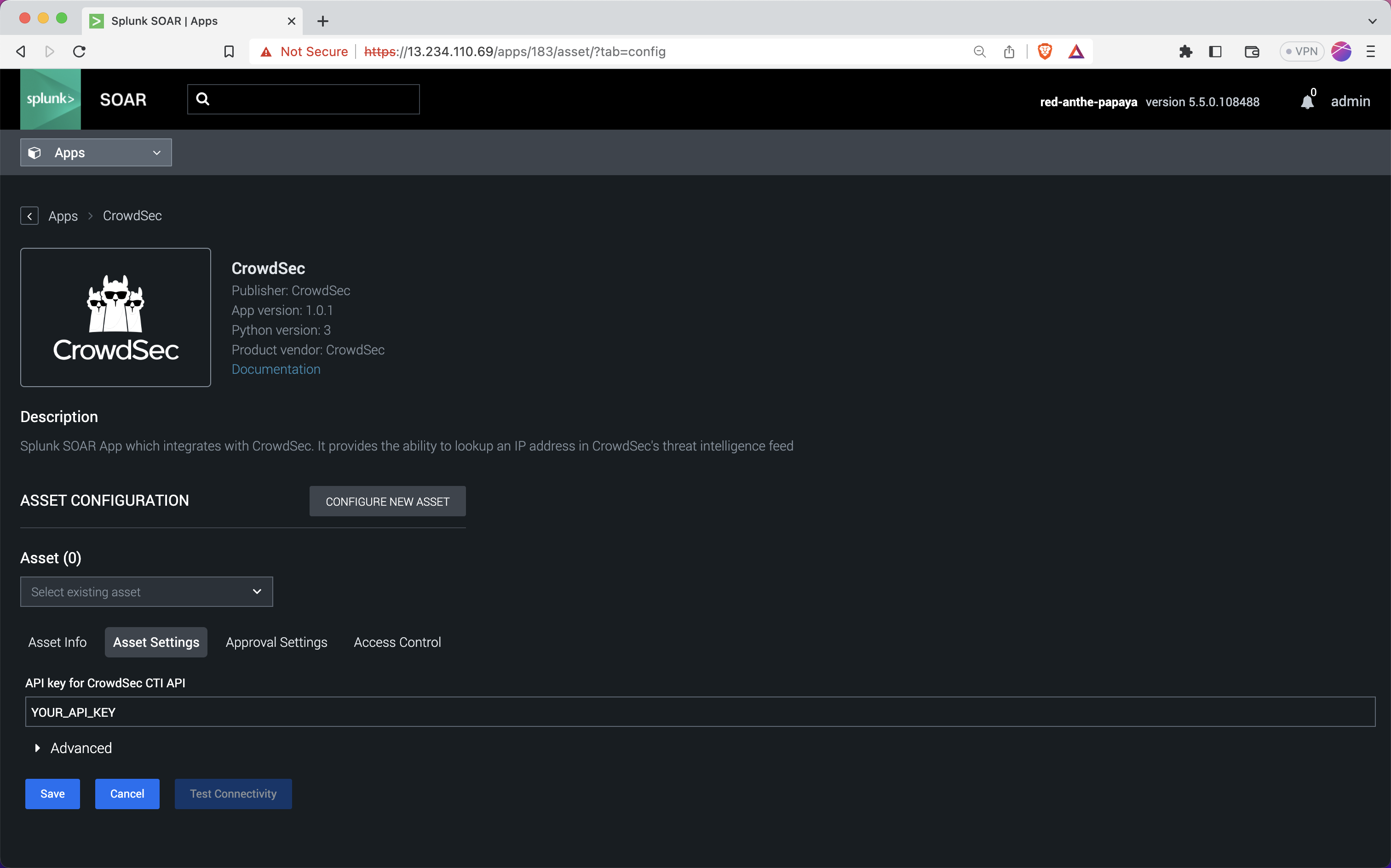
-
Click on the Save button to save the asset.
-
You can test this asset by clicking on the Test Connectivity button. If everything is configured properly, you should get a message like the one in the image.
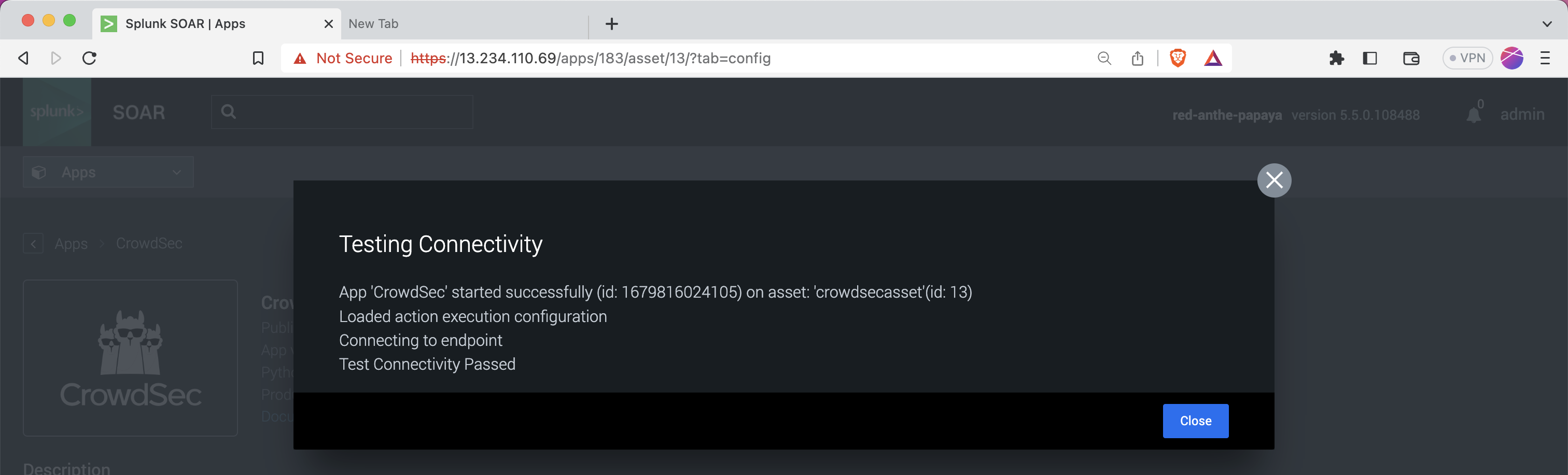
Done, you've successfully configured the app. You can now use it in your playbooks and event investigations.
Example Usage
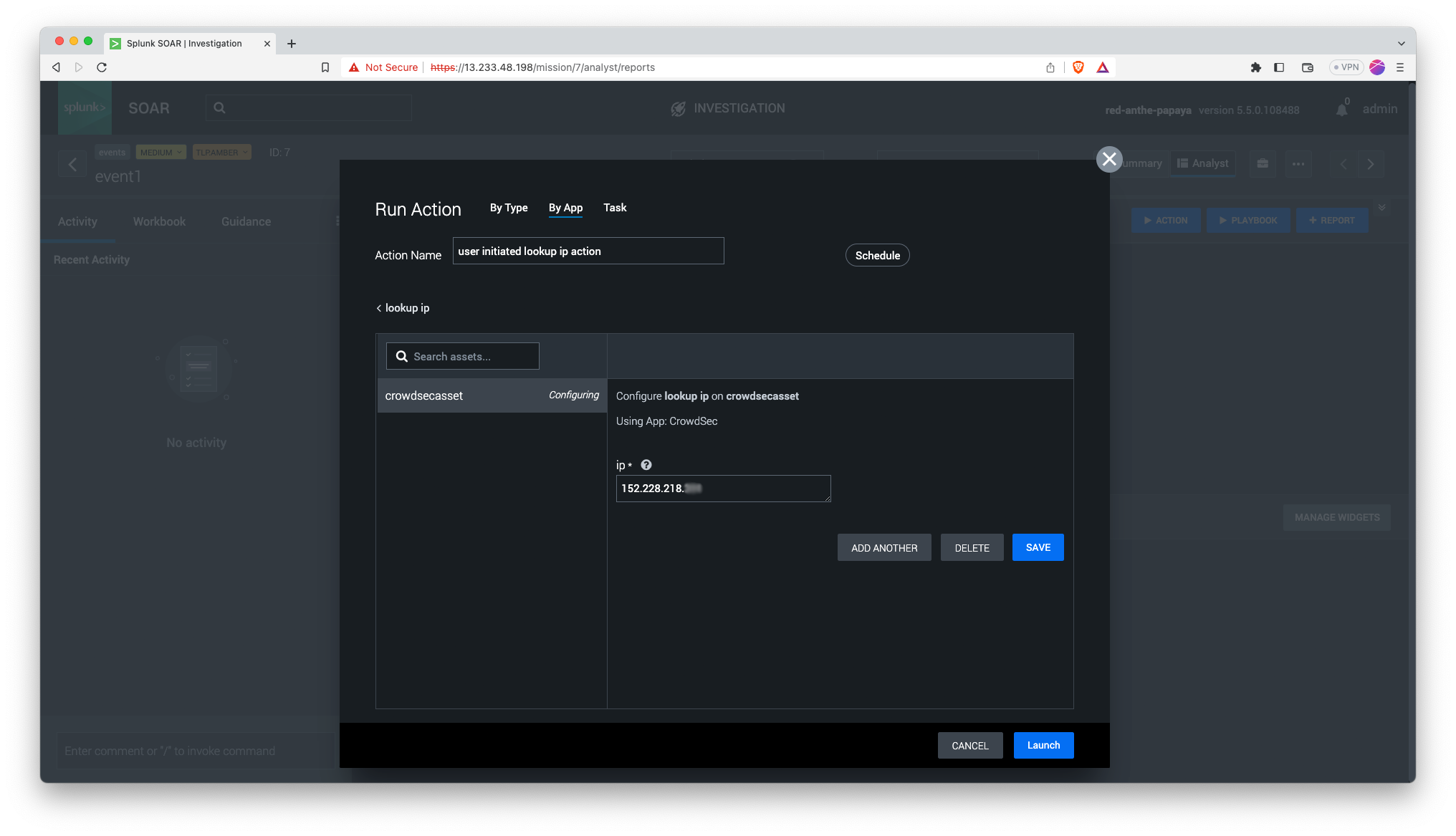
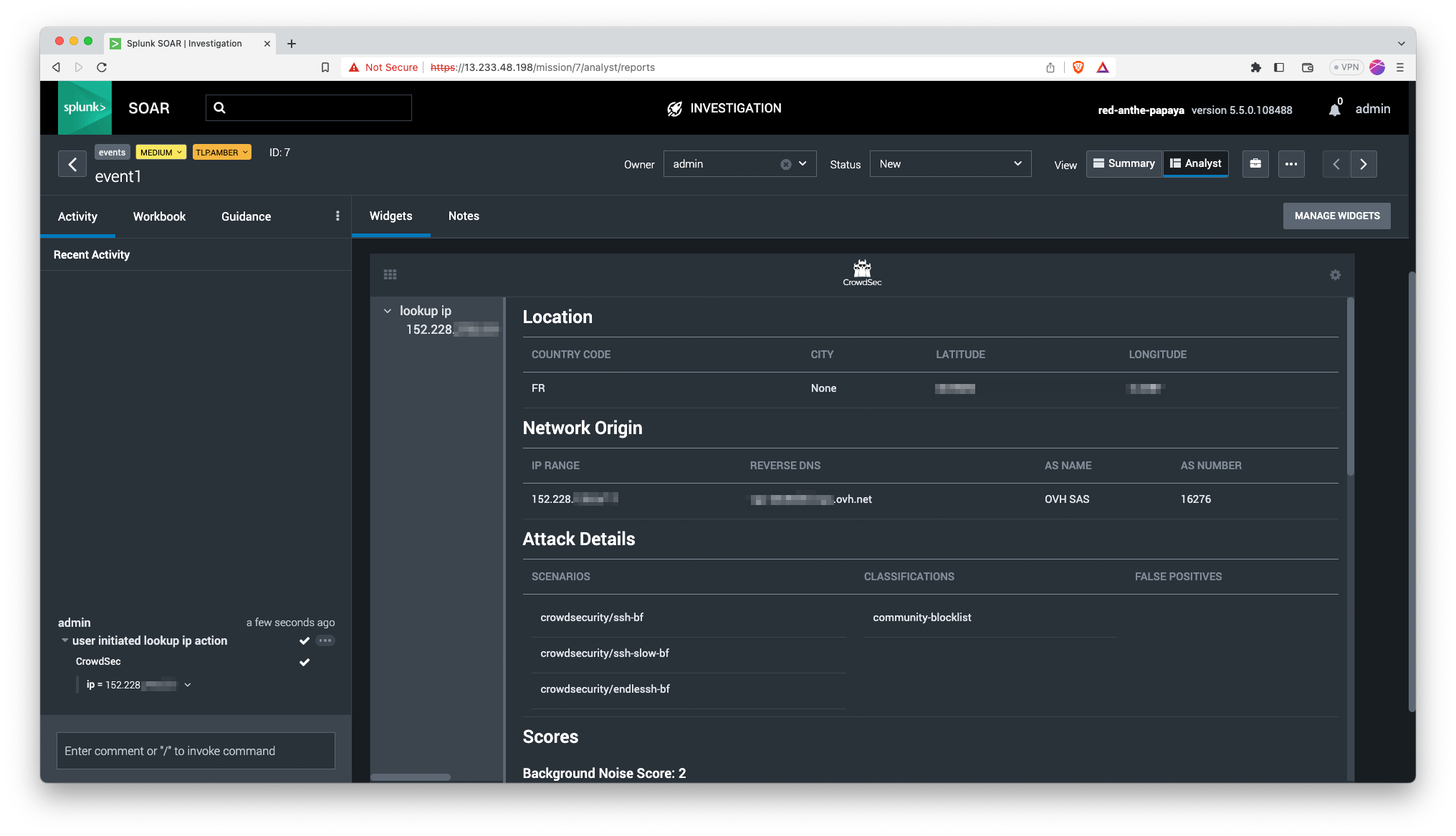
Here's an example of its usage in an event investigation.