Palo Alto
The CrowdSec Palo Alto integration connects CrowdSec's hosted blocklist endpoint to your Palo Alto firewall.
Palo Alto calls this feature External Dynamic Lists (EDL), which allow you to import and automatically update blocklists from external sources.
Ensure your Palo Alto device supports External Dynamic Lists (EDL).
The vendor documentation is available in the References section below.
Create a Palo Alto Integration Endpoint
Step 1 - Create an integration in the CrowdSec Console
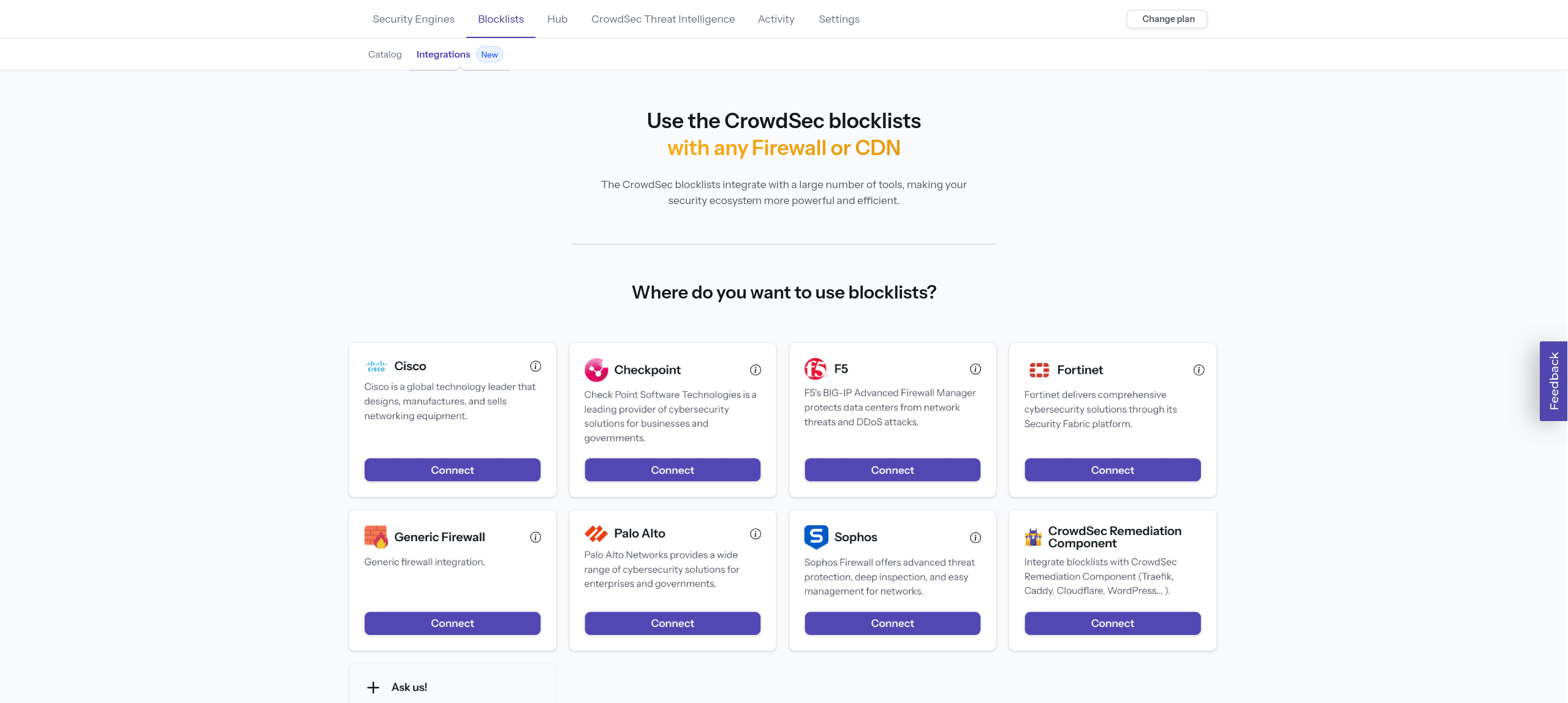
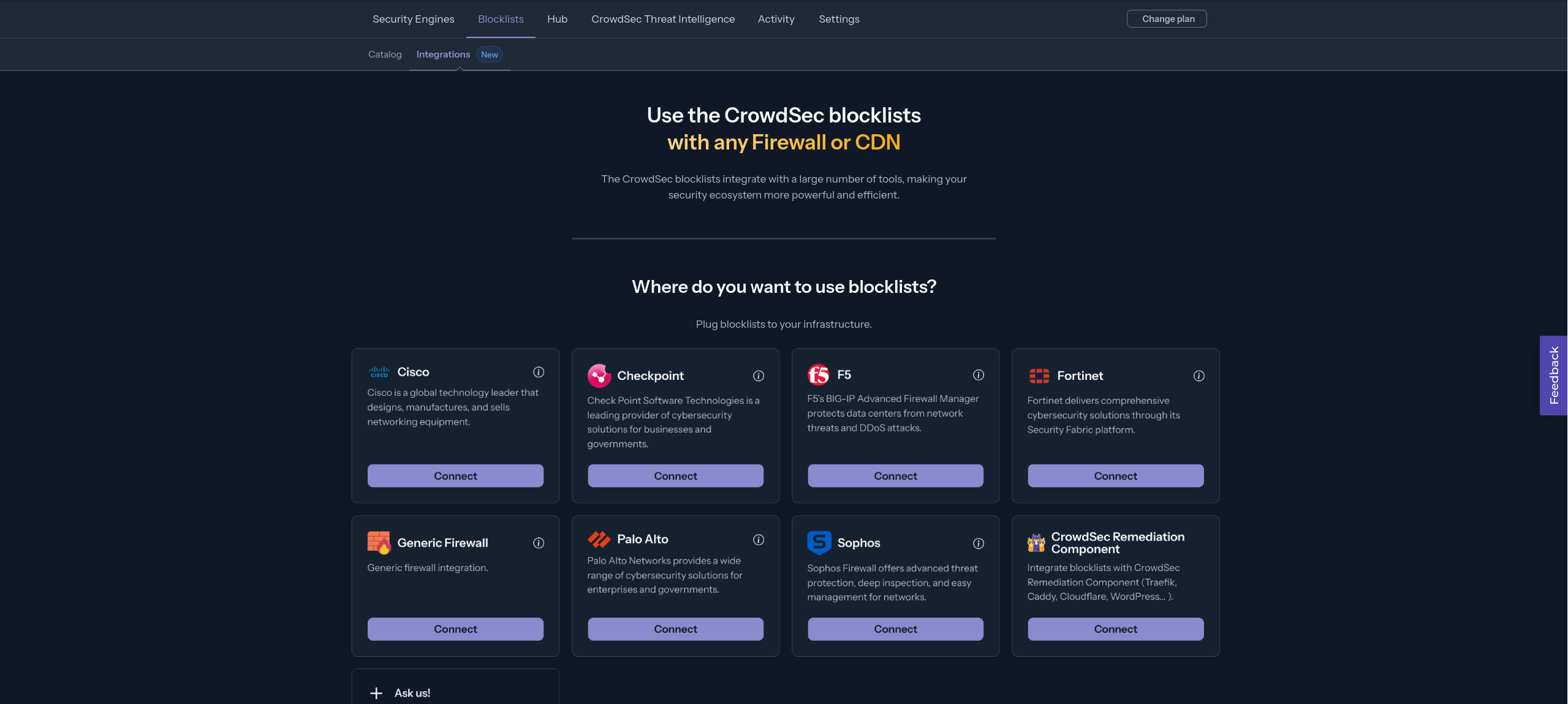
In your CrowdSec Console account, navigate to the Blocklist tab in the top menu bar, then select the Integrations sub-menu. Choose the integration type you need, then click Connect.
If you don't have a CrowdSec Console account, sign up here. On mobile, use the menu icon in the top-right corner, tap Blocklist, then Integrations.
Step 2 - Fill in integration details
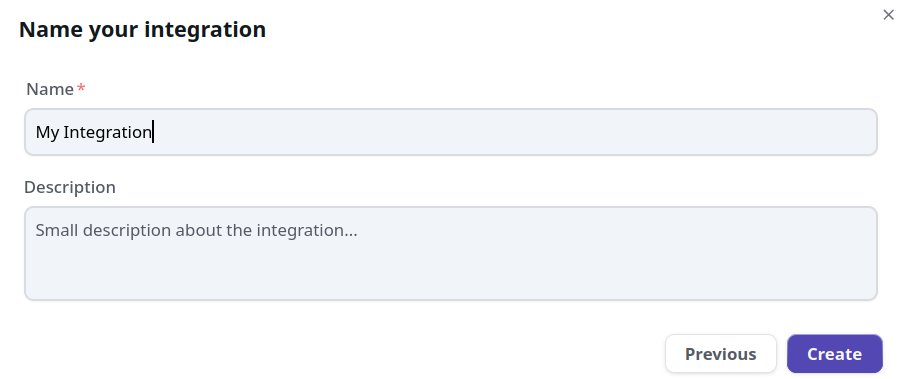
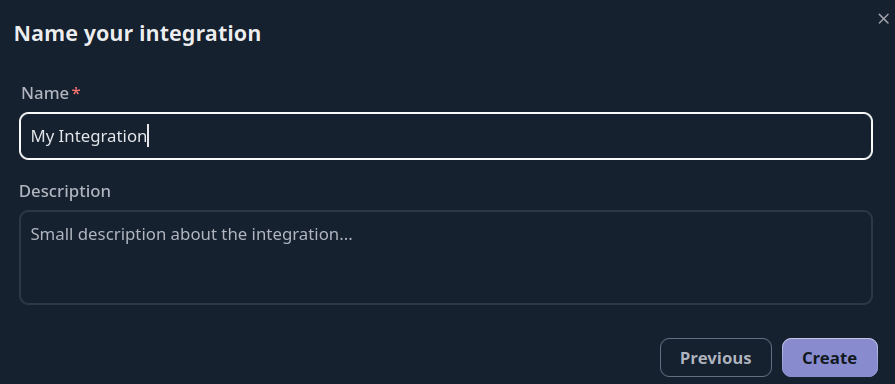
Name the integration (must be unique to your account). Optionally, add a description and tags to help you identify it later.
You can also configure:
- Enable IP aggregation — aggregate IPs into CIDR blocks to reduce list size
- Pull limit — maximum number of IPs returned per pull (default: 10,000)
Then click Create or Save.
Step 3 - Copy your credentials
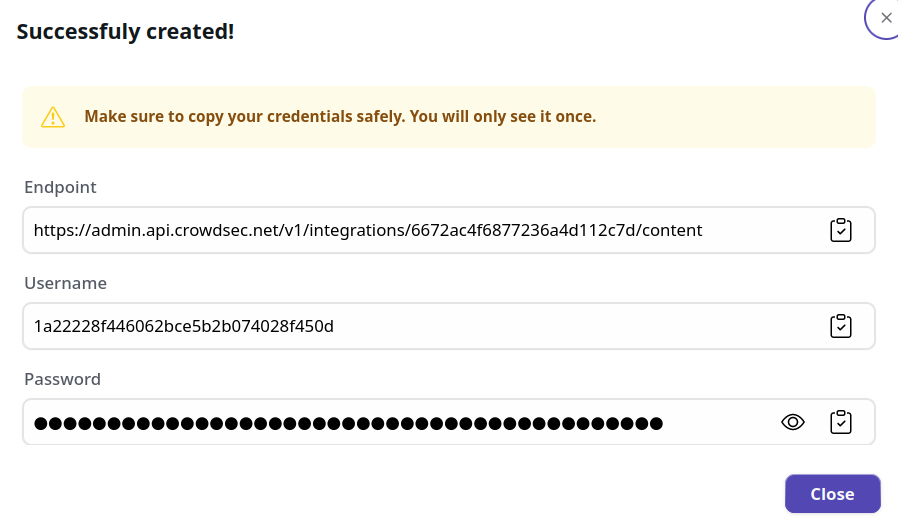
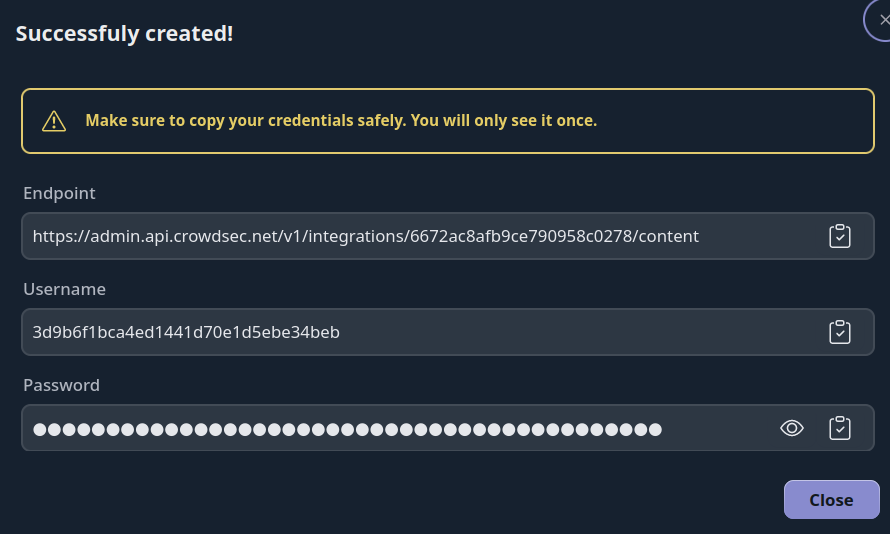
The credentials shown next are displayed only once. Copy them before closing this screen. If you lose your credentials, you can regenerate them via Configure → Regenerate Credentials on the integration page.
With this HTTPS endpoint and Basic Auth credentials, you can verify the endpoint with any HTTP client, for example:
curl -u 'usr:pass' https://admin.api.crowdsec.net/v1/integrations/$integID/content
Step 4 - Subscribe to Blocklists
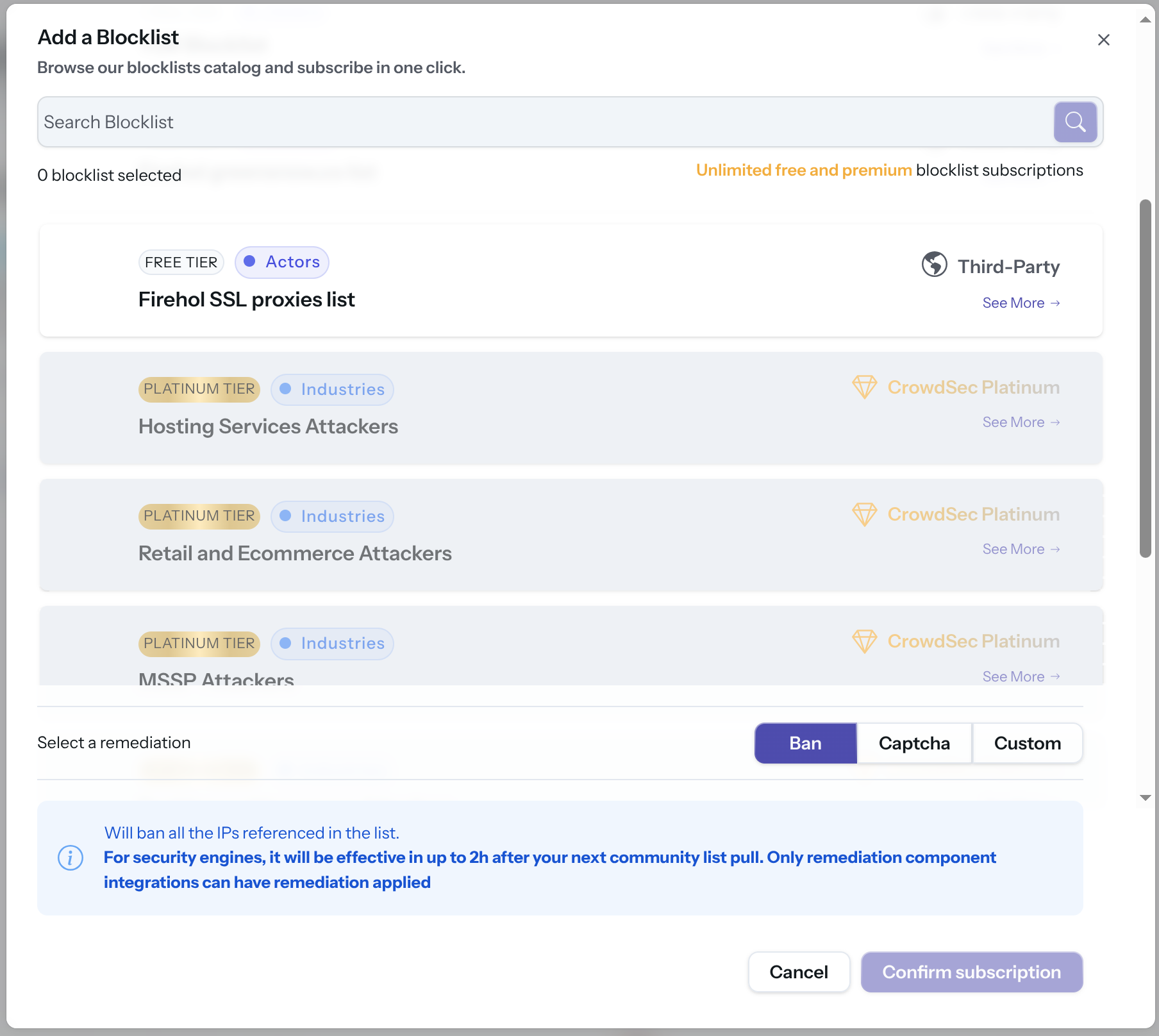
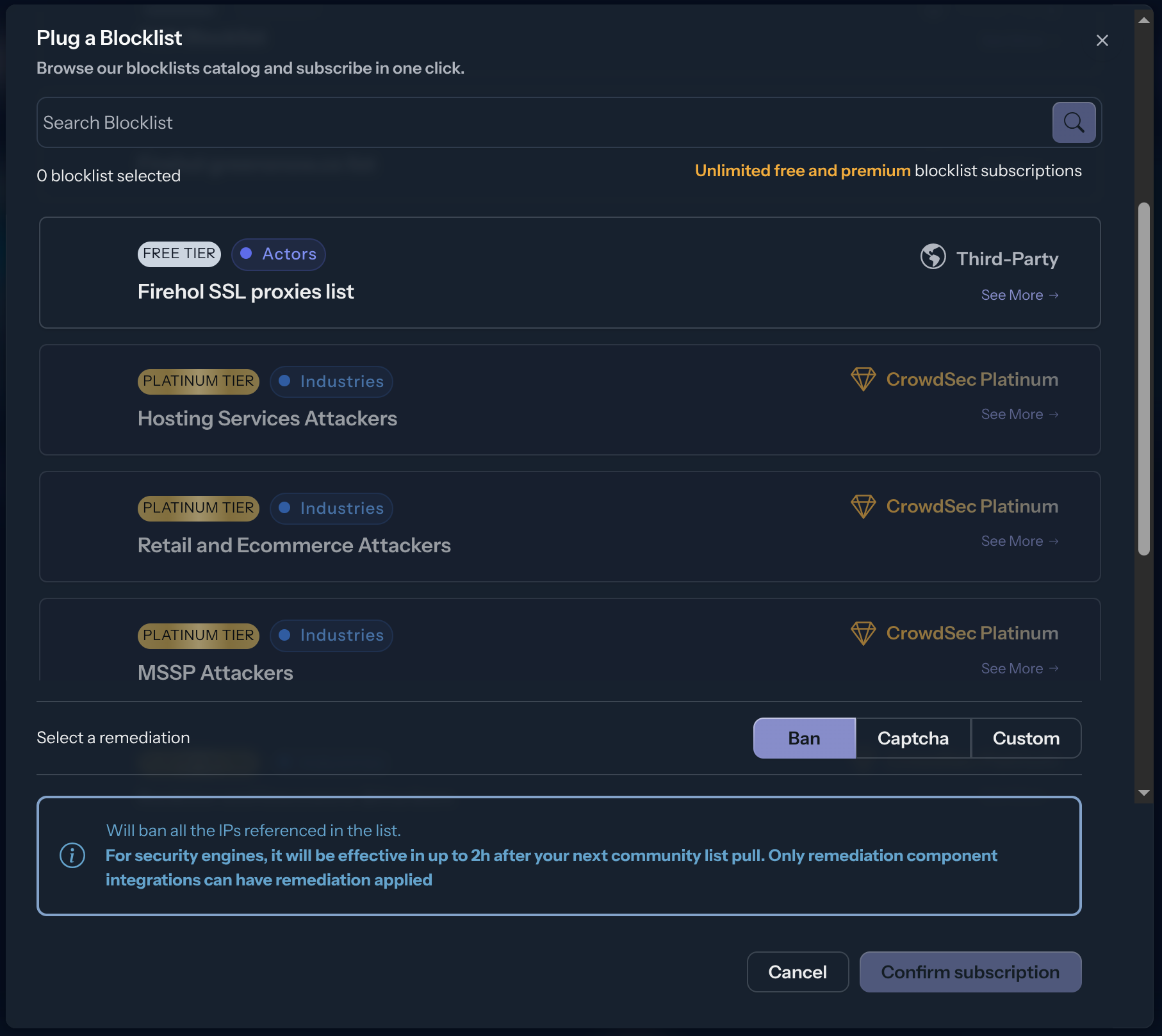
The integration endpoint will serve the deduplicated blocklists it's subscribed to. After creation, a subscription pop-up appears automatically. You can also access it later via the Add Blocklist button.
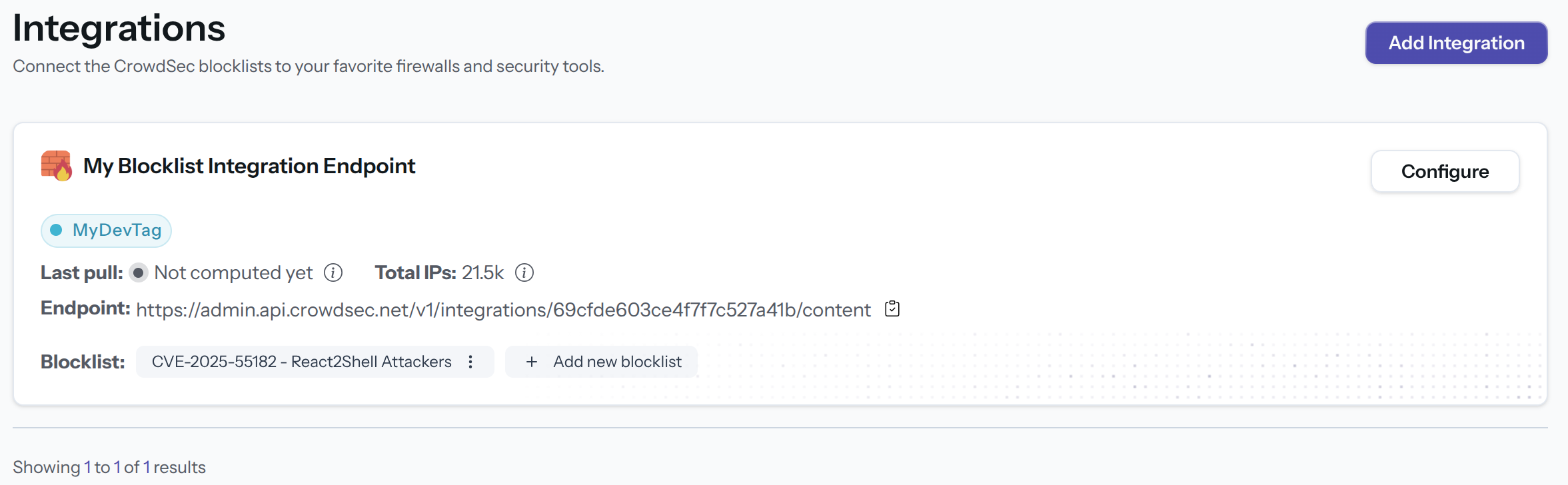
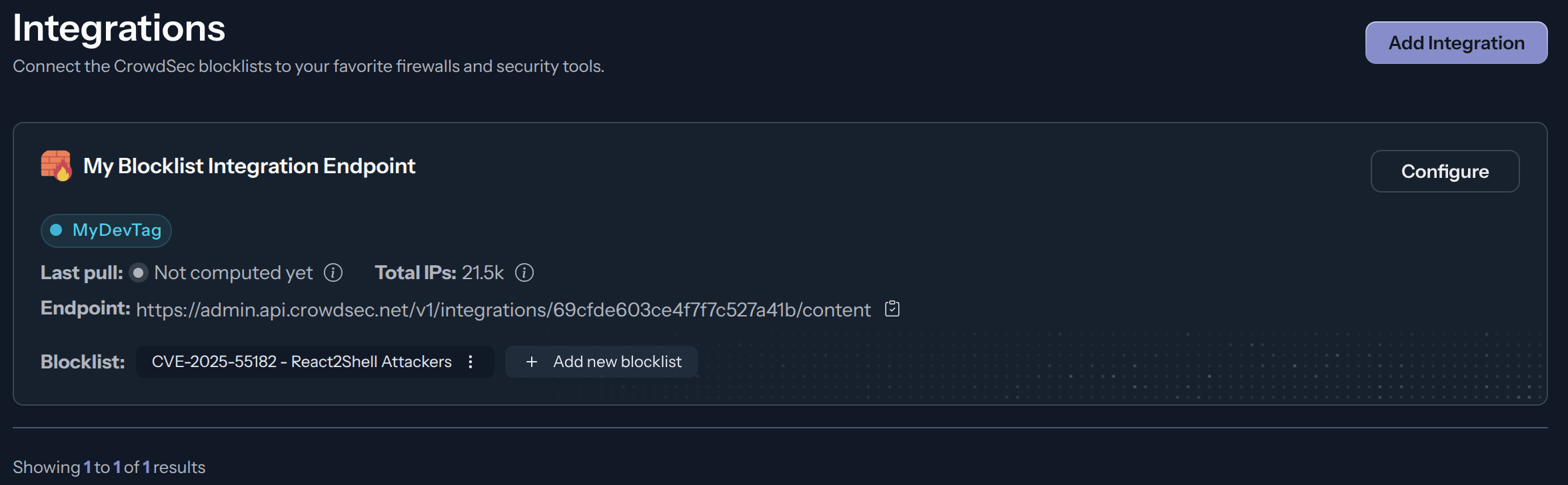
Select one or more blocklists available for your plan, then click Confirm Subscription. The blocklist name(s) will appear in the integration tile once subscribed.
Configure Palo Alto
Create an External Dynamic List
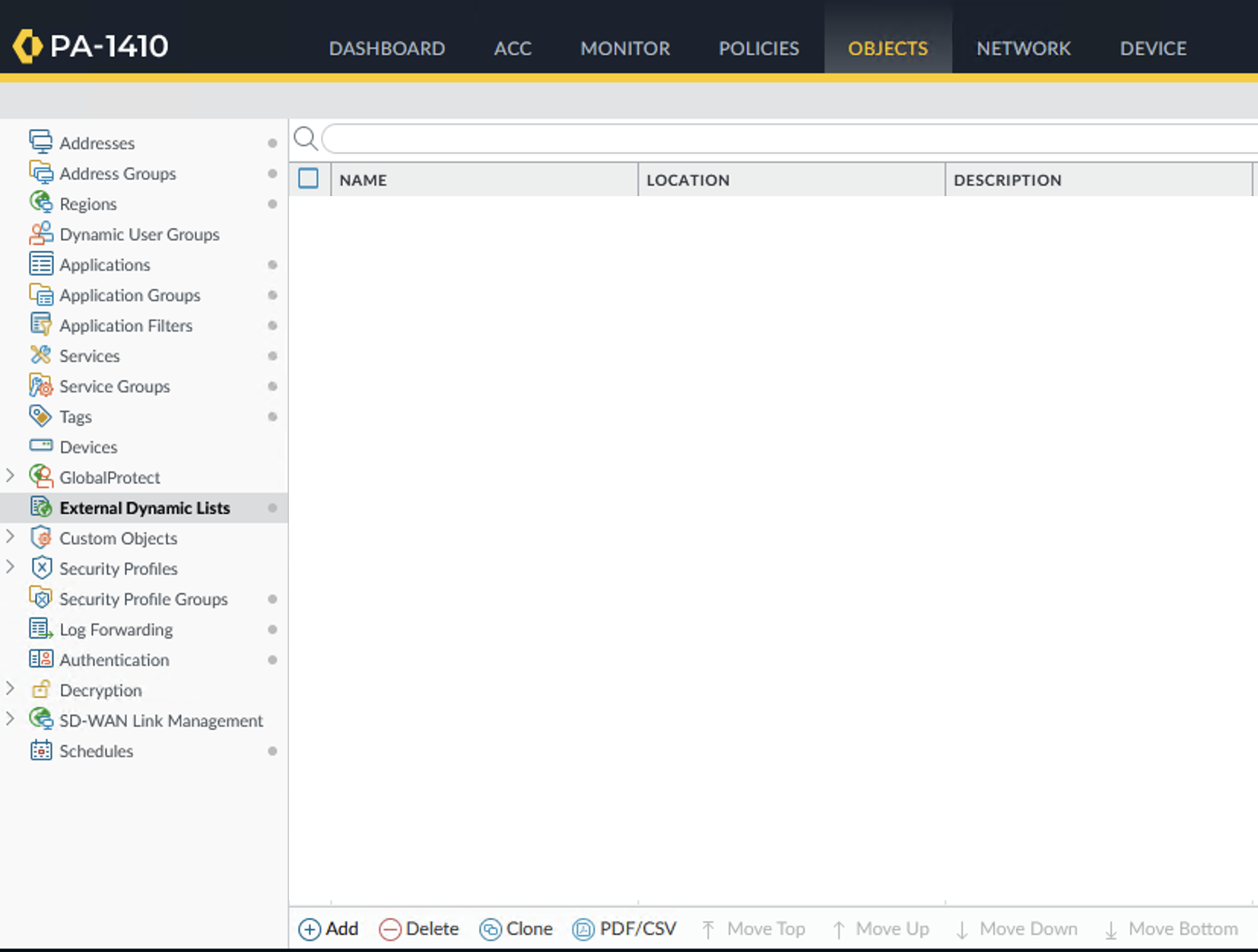
Go to Objects > External Dynamic Lists > Add.
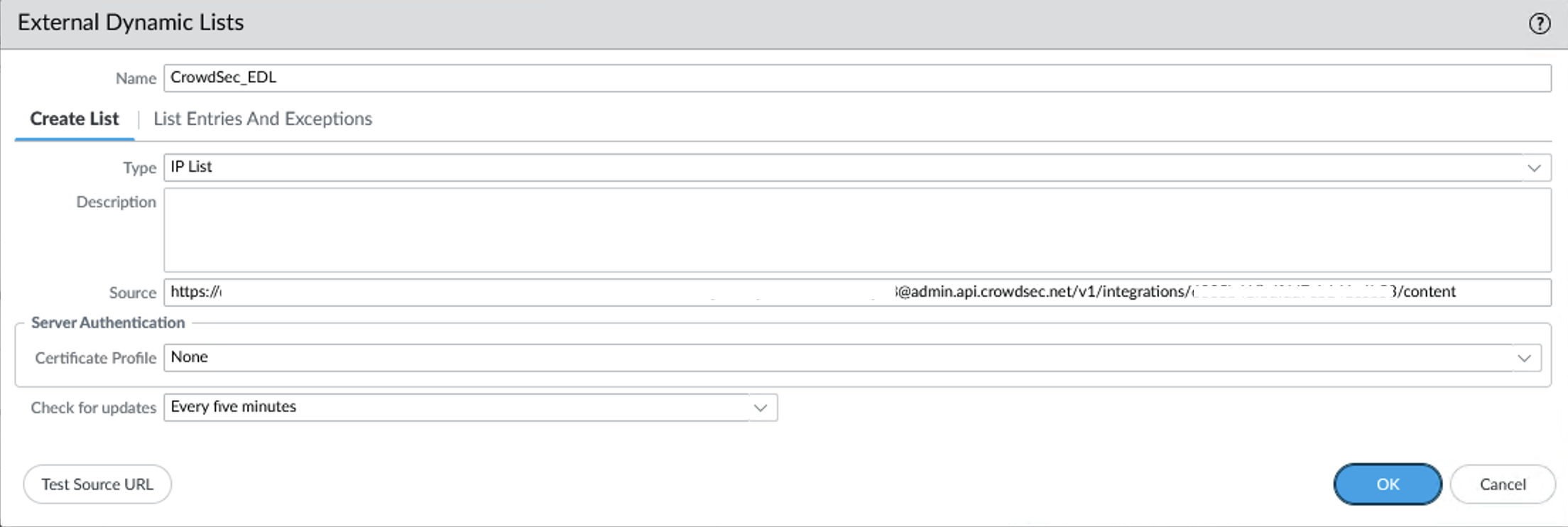
Embed the credentials in the URL using Basic Auth:
https://<username>:<password>@admin.api.crowdsec.net/v1/integrations/<integration_id>/content
Set your desired update frequency.
Create a security policy
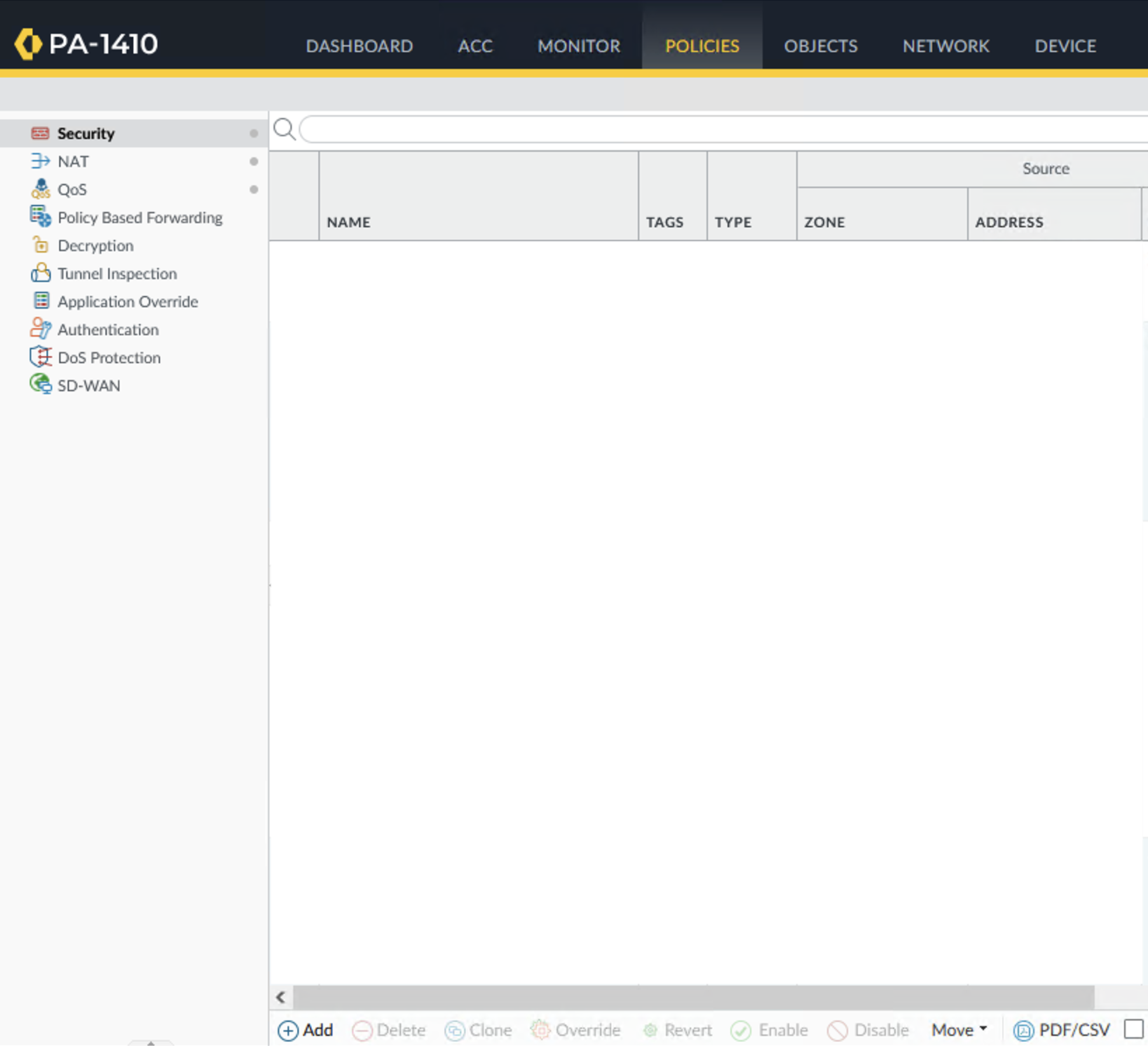
Go to Policies > Security > Add.
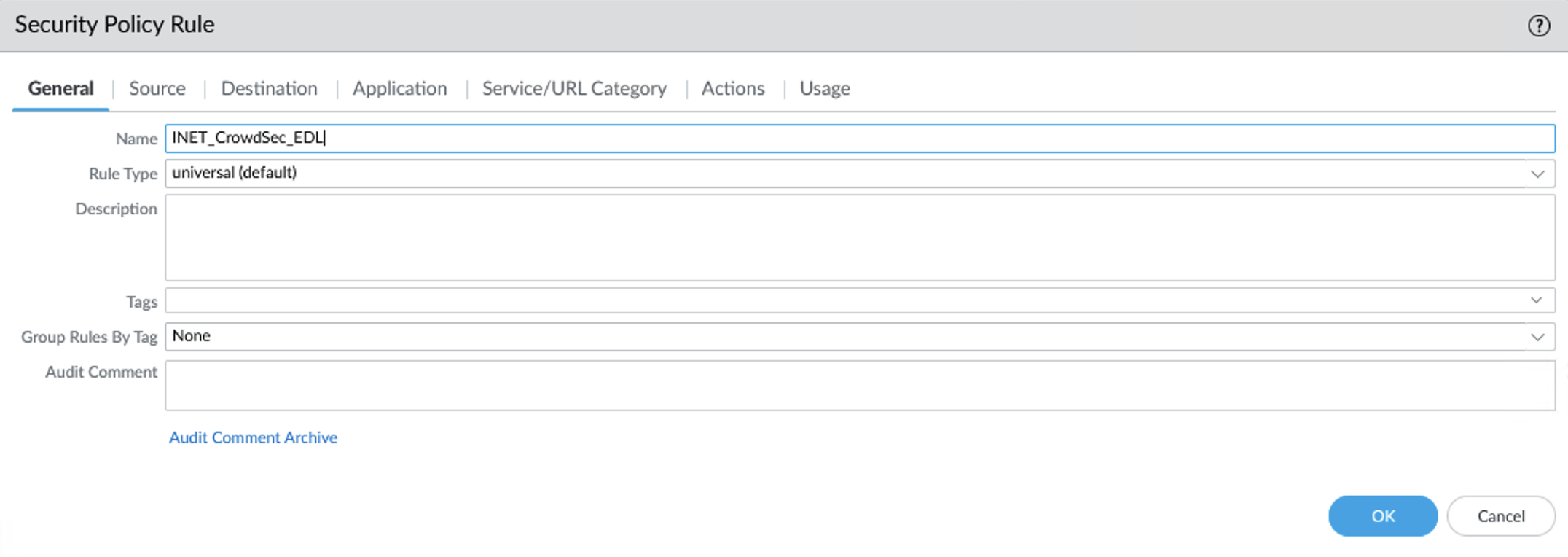
In the General tab, add the policy name and description.
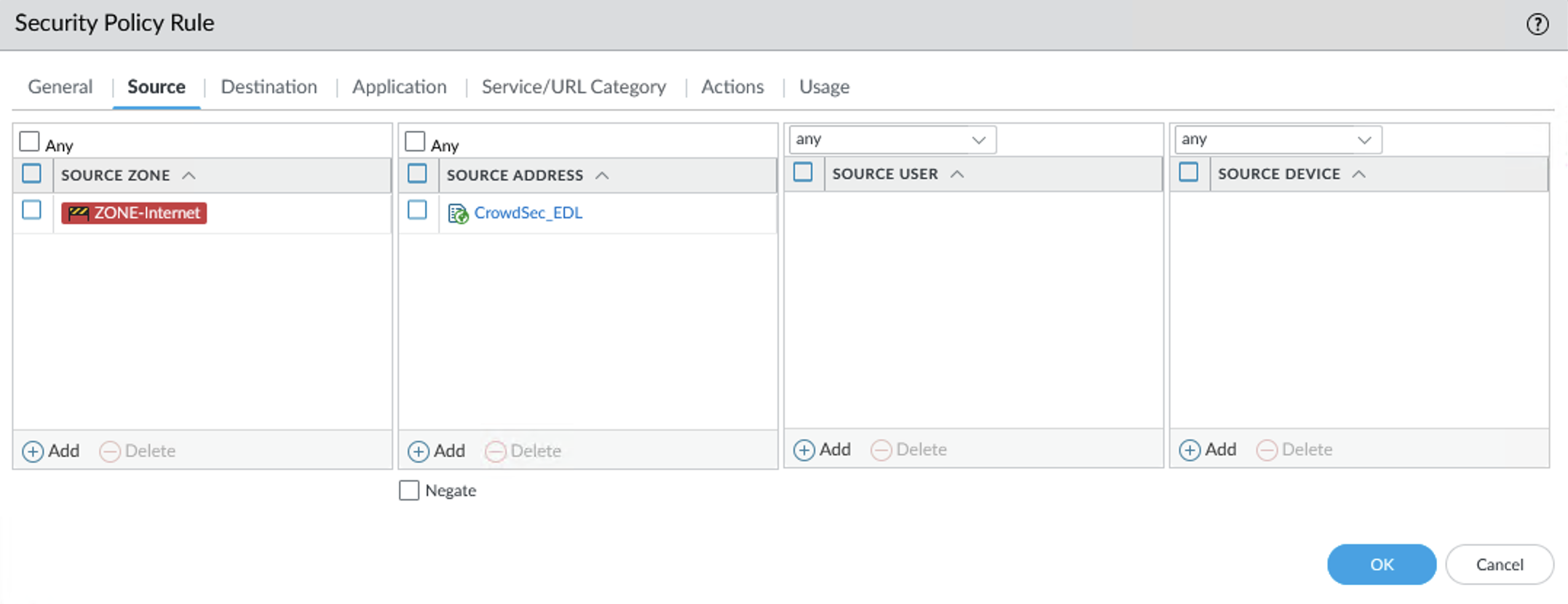
In the Source tab, select your source zone and the External Dynamic List as the source address.
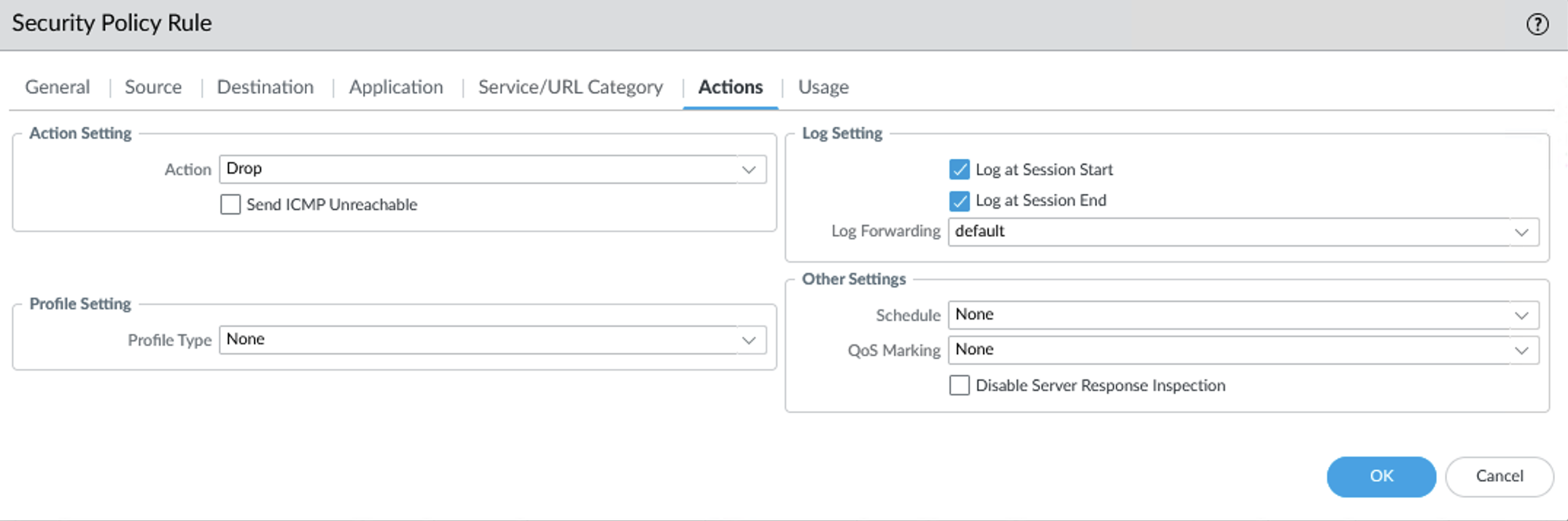
In the Actions tab, select Drop and enable logging (recommended).
Click Commit to apply the configuration.

Manage integration size limits with pagination
If you want to learn how to manage integration size limits with pagination, please refer to the Managing integrations size limits with pagination section.
This integration uses the plain text format. When pulling without compression, keep page_size at or below ~300,000 entries to stay under the ~5 MB response limit; beyond that the response is truncated. Enabling compression avoids this limit entirely.
Troubleshooting
Palo Alto not pulling EDL, check this troubleshooting: Checking Credentials and Certificate
References
Next Steps
Subscribe to blocklists in the Blocklist Catalog to populate your integration.